The person behind SlideMate
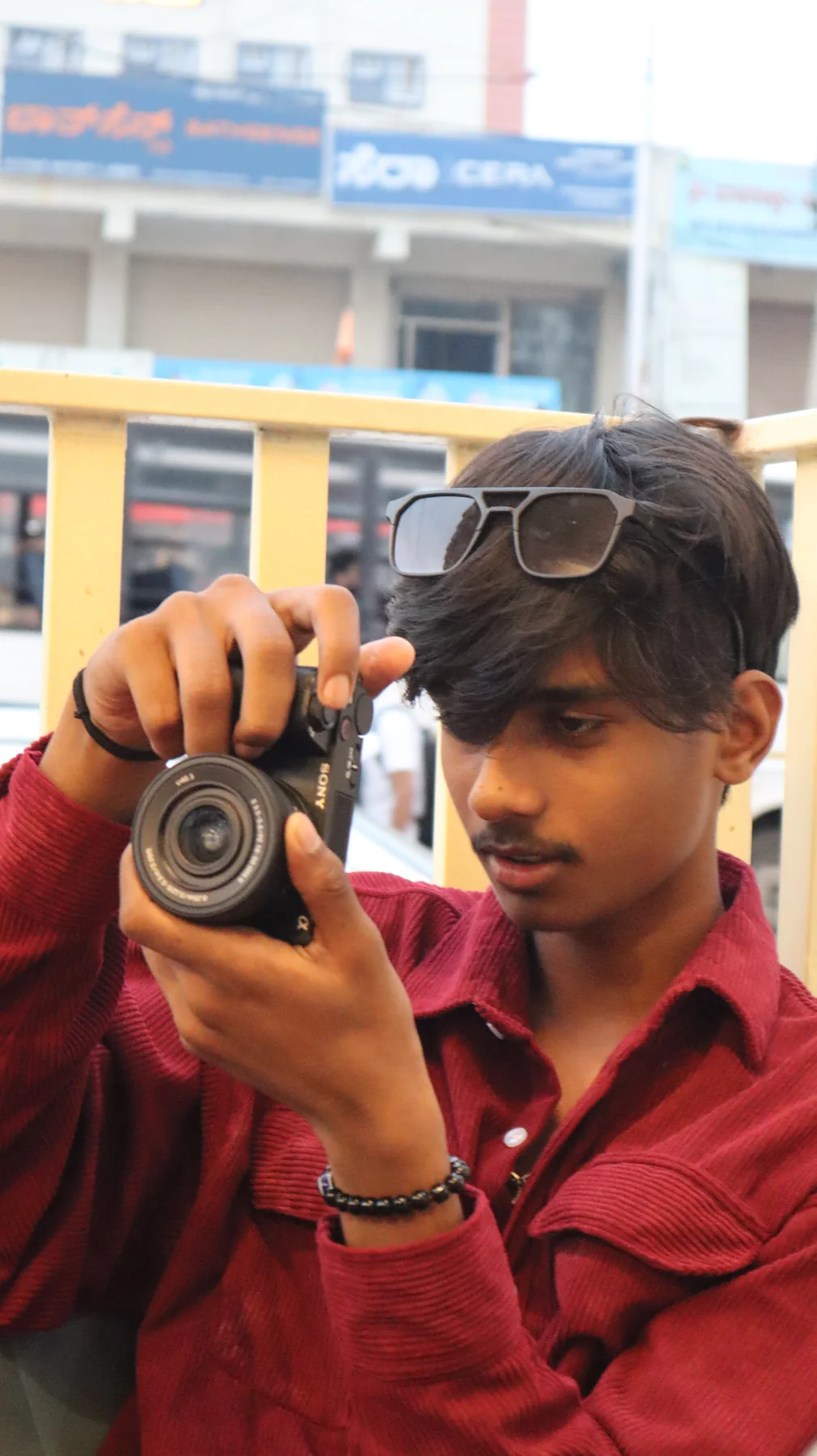
Hi, I’m Ashish.
A 17-year-old first-year BCA student in Bangalore, learning to build useful things by building SlideMate.
A little about me
One project. A lot to learn.
I’m Ashish, a first-year BCA student in Bangalore. For the past three and a half to four months, I’ve been building SlideMate and learning product development along the way: shaping an idea, writing code, solving problems, and improving the experience one update at a time.
I’m making SlideMate to help students and curious learners turn a topic into a clear, editable presentation or detailed research notes. I want it to grow into a genuinely useful learning toolkit, while keeping the work thoughtful, accessible, and easy to use.
This is an ongoing project, and I’m excited to keep learning, building, and sharing what comes next.
What SlideMate does
Two ways to work through a topic.
Create Slides turns a topic and your choices into an editable PowerPoint draft using a selected design. You can review the wording and make changes before downloading. A generated deck is a starting point, so check facts, examples, images and any sample charts before you present it.
Research Notes creates a structured, text-only set of notes with source links. Read the preview, open the cited sources, and decide which evidence is relevant to your assignment. The notes are a research aid, not a substitute for reading the original sources.
I’m building the project iteratively as a student developer. Google sign-in is optional. Signed-in users who complete their profile can use private Saved files history for Research Notes PDFs and eligible PowerPoint downloads; larger presentations still download but may not fit the database history limit. Features and prices can change as the project develops.
Built in the open
Feedback helps shape the next update.
If a deck is hard to edit, a source link is unclear, or a page is confusing, tell me what happened and which tool you used. Specific feedback helps me reproduce a problem and make a useful improvement.
For a question, suggestion, privacy request or issue with generated content, use the Contact page. Please avoid including passwords or private personal information in your message.
Made with curiosity
There’s more on the way.
Follow along for SlideMate updates, try what’s here today, or get in touch with a question.